Linux
Installing Kali Linux in VirtualBox
An archived walkthrough of installing VirtualBox and importing a Kali Linux virtual machine.
On this page
Kali Linux is a Linux distribution commonly used for security testing, also called penetration testing. This lesson walks through installing it in VirtualBox.
Install VirtualBox
Go to the VirtualBox downloads page and download the package for your operating system.
The original February 2022 setup also installs the Oracle VM VirtualBox Extension Pack 6.1.32 listed below the main downloads.
Archive note: that is the version used by the original tutorial, not a current version recommendation. If an Extension Pack is needed for your setup, its version should match VirtualBox. Check the current platform requirements and installation instructions before proceeding.
Download the Kali virtual machine
Visit Kali's virtual machine downloads and choose the VirtualBox image. The original guide uses the direct image download, not the torrent link or checksum file.
Open the downloaded virtual-machine package and follow the import or installation steps shown by VirtualBox. Once the machine is started, the original setup displays this login screen:
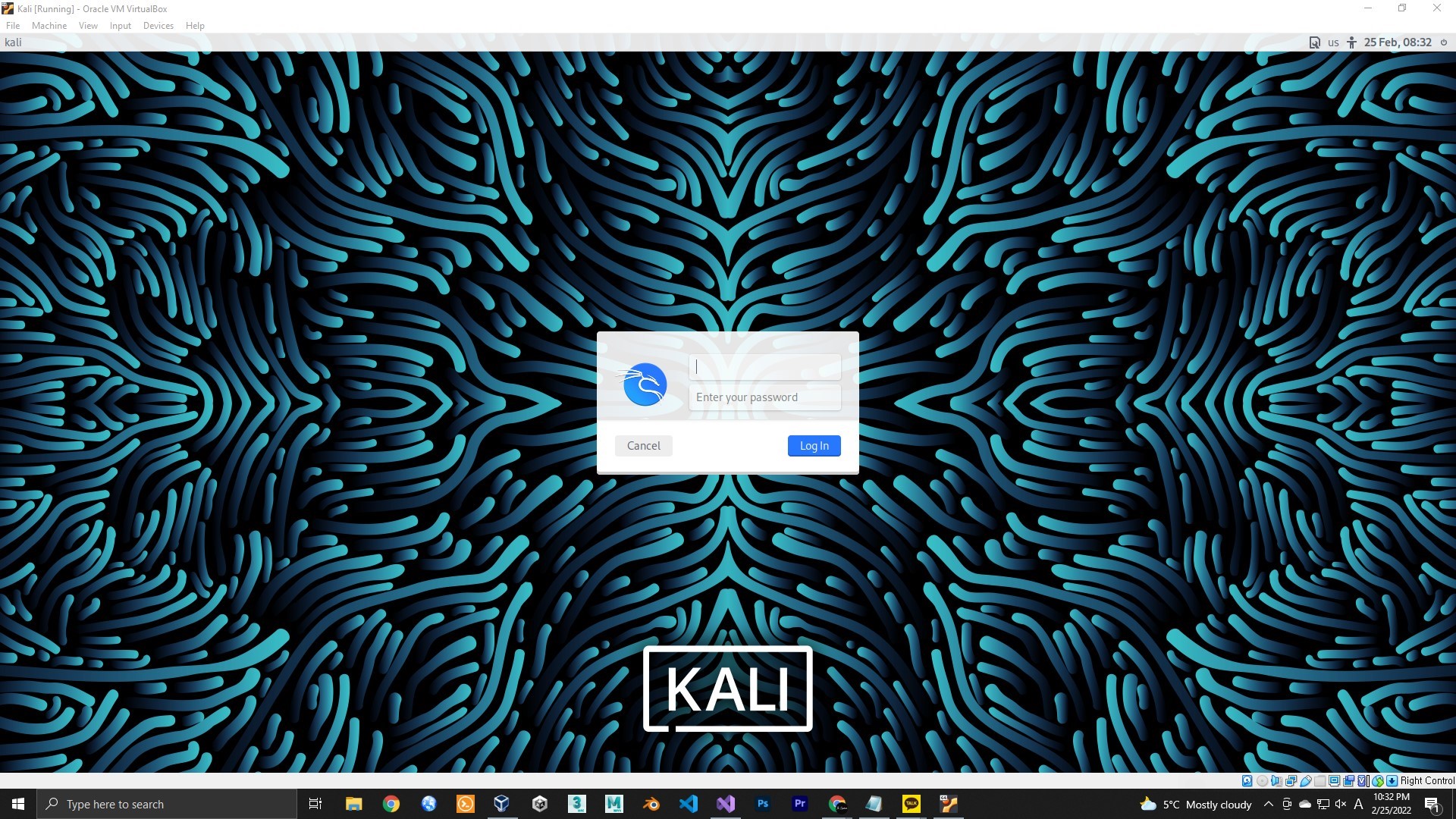
For the prebuilt image used in this tutorial, both the default username and password are kali. Sign in to reach the desktop.
Editorial note: verify downloaded images using the checksums and instructions supplied by Kali, and change default credentials before using the machine. Perform security testing only on systems you own or are authorized to test.
The original closing sentence previews a post about link phishing. No such follow-up is part of this public archive; this article only covers installation.
Original download reference: Get Kali.
Moved here from Tistory
I migrated this post from my Korean Tistory blog, I am Jason Lee, to this website and translated it into English. My writing and projects now live together in one place.
The original publication date, code examples, and screenshots are preserved. Editorial notes clarify known issues in the original material.
Original post on Tistory English edition · Aug 30, 2026